How to Prepare Your IT Before Moving to a New Office
Moving to a new office is exciting. New space, new layout, a fresh start. But there’s a classic way for the day to go wrong: the team arrives on Monday morning, laptops open, and there’s no internet, the Wi-Fi drops in the meeting room, the printer can’t be found and nobody can make a phone call.
Office moves fail on the IT side far more often than they should, and almost always for the same reason: technology was treated as something to sort out after the furniture arrived. The businesses that move smoothly do the opposite. They plan their IT early, build it before anyone moves in, and test everything before day one.
Here’s a practical guide to getting your IT ready for a new office.
Start Planning Early
IT is usually the longest-lead item in an office move. Internet connections in particular can take weeks or even months to be installed, and cabling and equipment orders also take time. As a rule of thumb, begin IT planning as soon as the lease is signed, and certainly well before your move date.
Start by listing what you have today and what you need tomorrow: how many staff, how many devices, which systems are critical, and how the business expects to grow over the next few years. Planning for growth now is far cheaper than retrofitting later.
- Internet Connectivity
Your connection is the foundation of everything else, so order it first.
- Check what’s available. Find out which providers and connection types serve the new building, such as fibre, leased line or broadband, and confirm installation lead times.
- Size it for real use. Consider cloud applications, video calls, file transfers and the number of simultaneous users, not just the headcount.
- Plan for resilience. A second connection from a different provider, or a backup such as 4G/5G failover, keeps you online if the main line goes down.
- Confirm the date in writing. Get a firm installation date and a named contact, and make sure the line is live and tested before you move in, not on the day.
- Network Design
A good network is designed, not just plugged in. Before anything is installed, map out how the network will work in the new space:
- Layout and equipment locations for the comms room or cabinet, switches, access points and any servers
- Segmentation, such as separate networks for staff, guests, printers and any sensitive systems
- IP addressing and configuration planned in advance, so devices connect cleanly from the start
- Capacity and room to grow, with spare ports and headroom for more users and devices
Use the move as a chance to fix old problems. If your previous network grew messily over the years, a fresh design is an opportunity to build it properly and document it as you go.
- Wi-Fi Coverage
Wi-Fi is one of the most common complaints after a move, and it’s usually caused by guesswork. Placing a few access points where they seem convenient rarely delivers reliable coverage.
- Survey the space. A wireless site survey, ideally carried out before or during fit-out, shows where access points should go and how many you need.
- Account for the building. Thick walls, glass partitions, lifts and metal fittings all affect signal strength.
- Plan for density. Meeting rooms, open-plan areas and reception spaces need more capacity than quiet corners.
- Separate guest access. Visitors should have their own network, kept apart from your internal systems.
- Test after installation. Walk the whole office with a test device and check signal strength and speed in every room.
- Structured Cabling
Even in a wireless world, cabling matters. Desks, printers, phones, access points and meeting-room equipment all benefit from reliable wired connections.
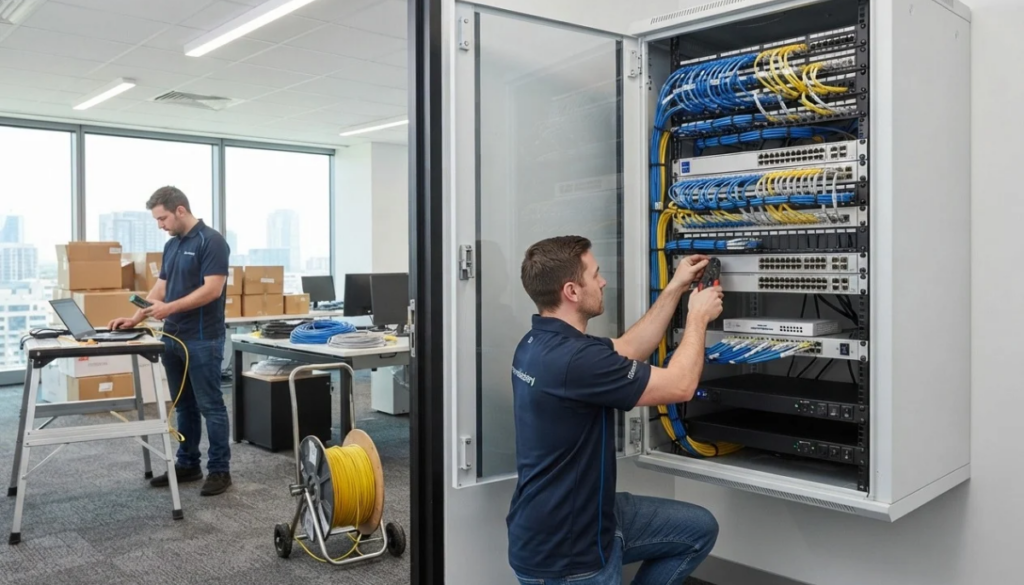
- Plan the number and position of data points at each desk, plus extras for printers, displays, access points and future needs
- Choose cabling suited to your needs, with room for higher speeds down the line
- Install before the walls are finished and the furniture arrives, when access is easiest and cheapest
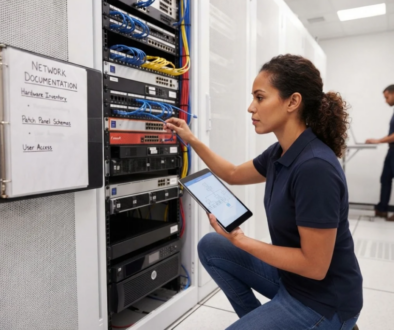
- Label every cable and port at both ends and match them to a patch panel schema
- Certify and test the cabling so faults are found before you rely on it
Securing cabling work early in the fit-out schedule is one of the best ways to avoid delays and expensive rework.
- Hardware and Equipment
Decide what’s coming with you and what should be replaced. A move is a natural moment to retire ageing kit that’s out of warranty or struggling to keep up.
- Take inventory. List every device, its age, condition and warranty status.
- Decide what to move, replace or retire. Moving old equipment can be riskier than replacing it.
- Order replacements early, since supply times can be unpredictable.
- Pack and transport carefully. Back up data before anything moves, label equipment clearly by user and location, and use proper protection for servers and sensitive hardware.
- Plan the setup. Know where every desk, screen, dock and device will go so setup is quick and orderly.
- Security
A new office should be more secure than the old one, not less. Moves create gaps: temporary configurations, unlocked comms rooms and equipment in transit.
- Secure the comms room or cabinet with locks and limited access
- Set up firewalls and network protections before devices connect, and keep default passwords out of the picture
- Review access controls for systems and any physical entry and CCTV systems that rely on the network
- Back up everything before the move, and confirm those backups can be restored
- Reset and review user access while you’re at it, removing accounts and permissions that are no longer needed
- Keep devices up to date with the latest patches and security software
- Printers, Phones and Other Office Systems
These are the items most often forgotten until someone needs them.
- Printers and scanners. Decide where they will sit, make sure they have network connections and power, and plan how staff will connect to them.
- Phone systems. Check whether your system is cloud-based, which makes it easy to relocate, or on-premises, which needs more planning. Confirm number porting and diverts where needed, so customers can still reach you during the move.
- Meeting rooms. Plan screens, video-conferencing equipment, cabling and wireless presentation setups.
- Other equipment. Door entry, alarms, CCTV, card readers and any other connected systems may need IT involvement.
- Test Everything Before Moving Day
This is the step that separates a smooth move from a stressful one. Treat the new office like a launch, and test before anyone arrives.
- Confirm the internet connection is live and performing as expected
- Test Wi-Fi coverage and speed in every area
- Check every data point and cable run
- Print from several devices and scan to email or folders
- Make and receive test calls on every phone system
- Log in with real user accounts and open the key business applications
- Test remote access and VPN connections
- Check security settings, firewalls and backups are working
Aim to finish testing a few days ahead of the move, leaving time to fix anything that turns up.
Moving Day and the First Week
On the day itself, have a clear plan: who is setting up which area, who staff should contact for help, and what the order of priorities is. Keep a short, visible support process for the first week, because small issues will crop up as people settle in. Having IT support on site for the first day or two means problems are fixed in minutes rather than hours.
After the move, update your documentation with the new network layout, equipment locations and configurations, so your records reflect reality.
A Simple Pre-Move Checklist
As a quick summary, make sure you have:
- Ordered and confirmed internet installation, ideally with a backup line
- A planned network design with room to grow
- A Wi-Fi survey and a coverage plan
- Structured cabling installed, labelled and tested
- Decisions made on which hardware to move, replace or retire
- Security measures and backups in place
- A plan for printers, phones and meeting rooms
- A full test completed before staff arrive
How RINCS IT Can Help
At RINCS IT, we help businesses prepare their technology for a new space from start to finish. That includes network design and installation, Wi-Fi planning, structured cabling, hardware supply and setup, security configuration and pre-move testing, so your team walks into an office that simply works.
If you’re planning a move, the earlier you involve us, the smoother it will go. Contact RINCS IT today to talk through your office move and make sure your IT is ready before the first box is unpacked.